
01
Shape the story before generating media
Define the premise, episode direction, and scene progression first. A structured foundation gives every later image and shot a clearer job.
AI Motion Comic Generator
Develop the story, keep characters and locations organized, direct each storyboard shot, and generate motion comic visuals without stitching together a scattered toolchain.
A free account includes starter credits. Image and video generation uses credits, with the amount shown before you generate. View plans and credits
Built around production
Create Your Anime keeps the decisions that shape a motion comic—story structure, cast, locations, shots, images, and video outputs—connected as the project evolves.
Define the premise, episode direction, and scene progression first. A structured foundation gives every later image and shot a clearer job.
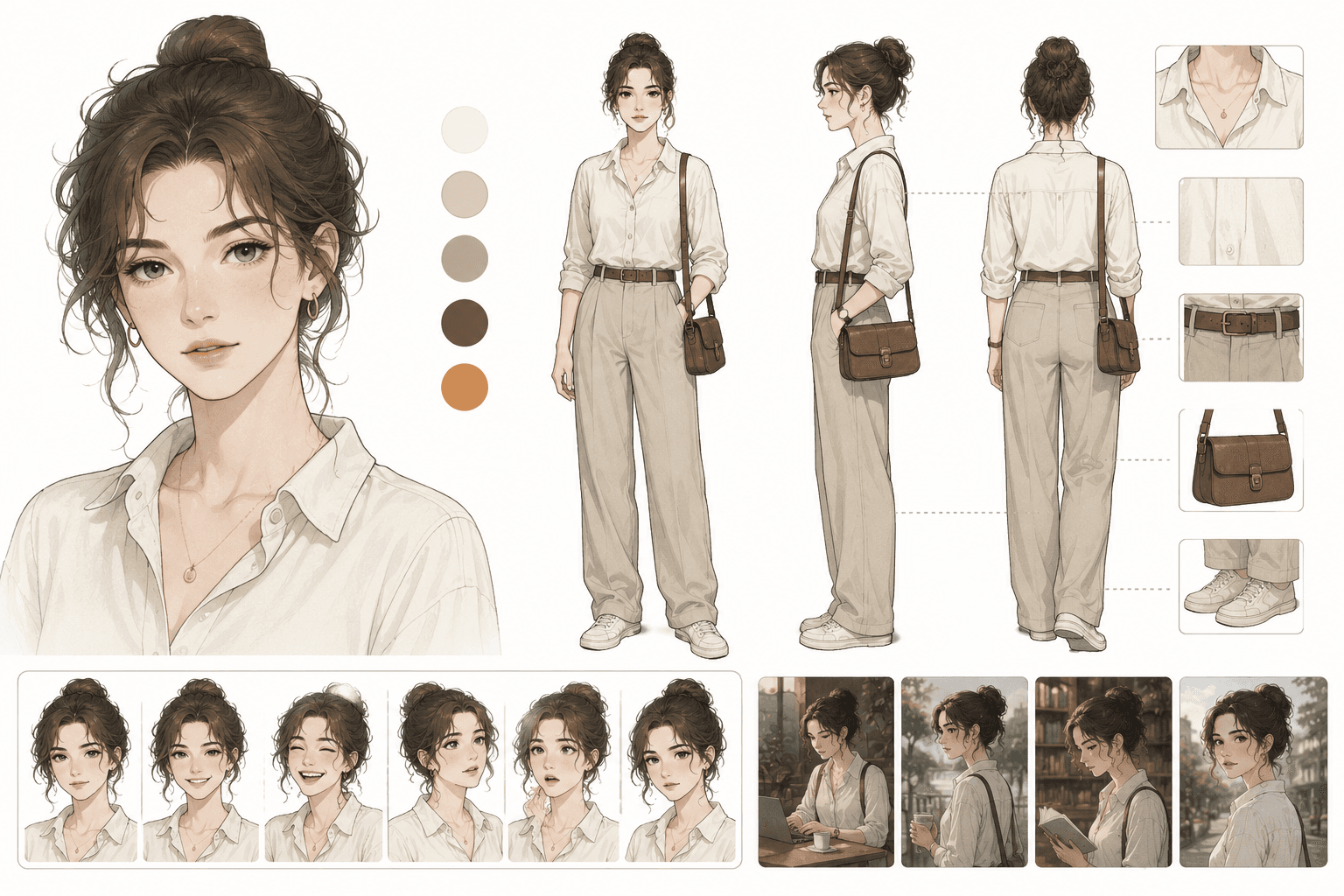
Keep character profiles, visual references, and scene context with the project so you can reuse the same creative intent across multiple shots.
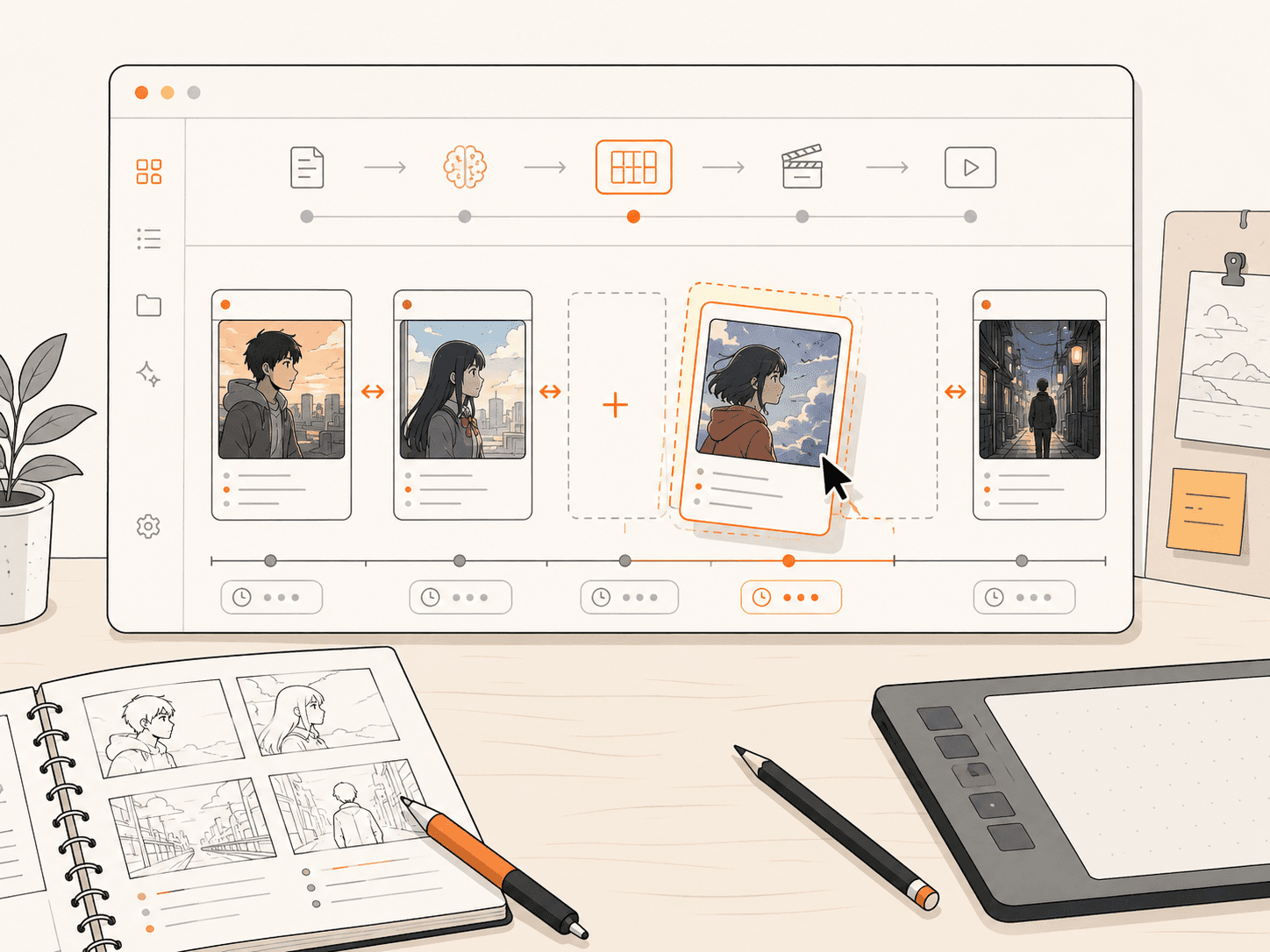
Review shot descriptions, composition, prompts, and reference choices before committing generation credits. Revise the plan where the sequence needs more clarity.
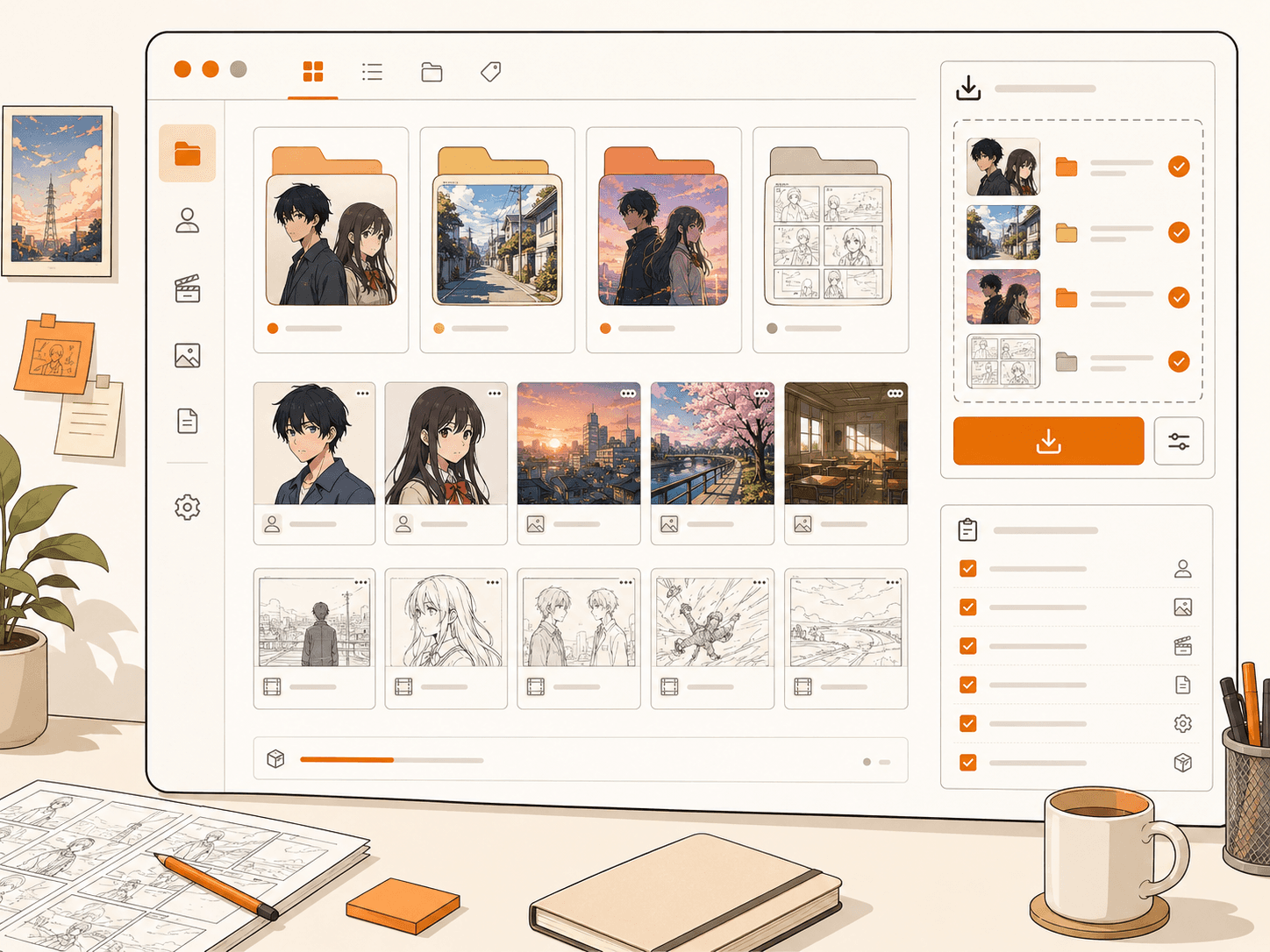
Create images and motion clips with available AI models, compare the results, and export the assets you want to take forward.
Creative control
Edit before you spend
Refine story, shot, and prompt details before starting image or video generation.
Keep project context together
Reuse cast, locations, references, and earlier decisions instead of rebuilding context for every prompt.
Choose output settings per shot
Match available image and video model options to the needs of each scene and review the expected credit cost.
Know before you generate
The workspace reduces production friction, but it does not remove creative judgment or the normal variability of generative media.
Questions creators ask
It is a creative workflow that helps turn a written story into characters, scenes, storyboard shots, generated images, and motion clips. Create Your Anime connects those stages inside one project instead of treating every prompt as an isolated task.
Yes. You can review and revise shot descriptions, prompts, references, and other storyboard decisions before generating the related media.
Character profiles and reference assets stay attached to the project, making them easier to reuse across scenes. Clear references improve continuity, although generative models can still vary between outputs.
You can plan and generate shot-level motion comic clips without starting in a traditional editing timeline. You still decide what to revise, keep, export, and publish.
A free account includes starter credits. Media generation spends credits, so check the current pricing page and the cost shown in the product before generating.
Start with the story
Set up the cast, direct the shots, and generate only after the story and storyboard are ready.
Create your project