Create Your Anime · AI Anime Creation Studio
Make Anime from Your Story with AI
Plan the story, reuse characters and locations, direct each storyboard shot, and generate the image or short video clip you need—inside one connected anime project.
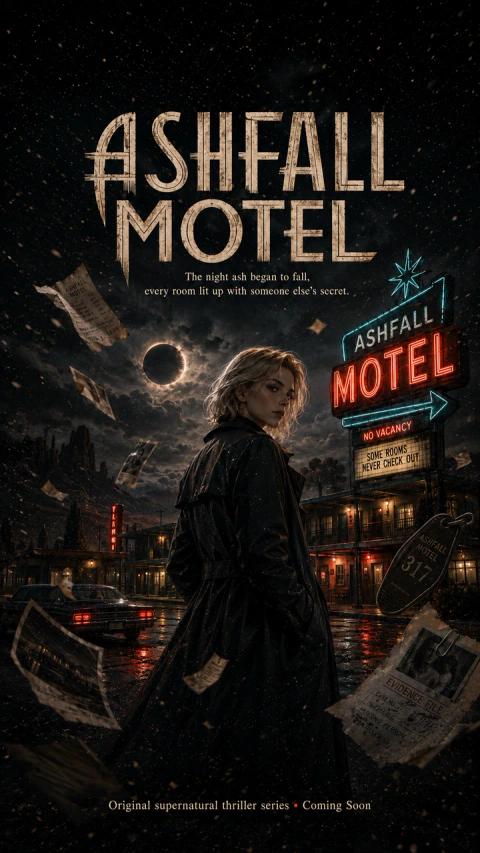
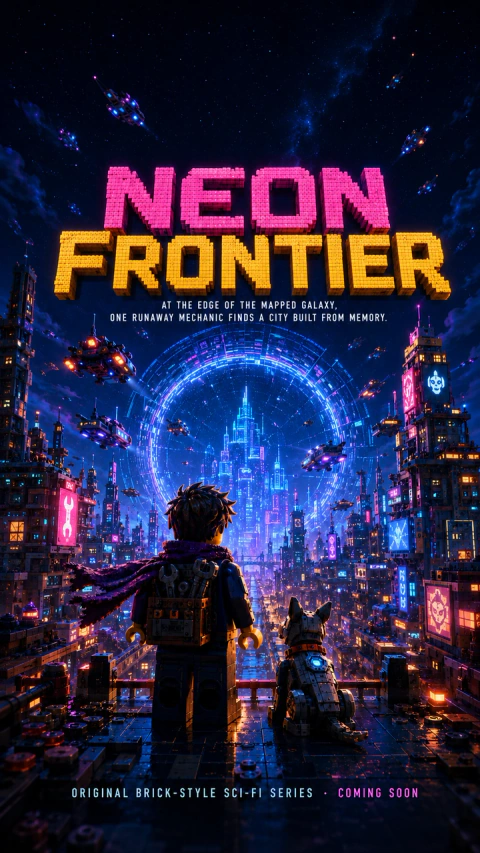
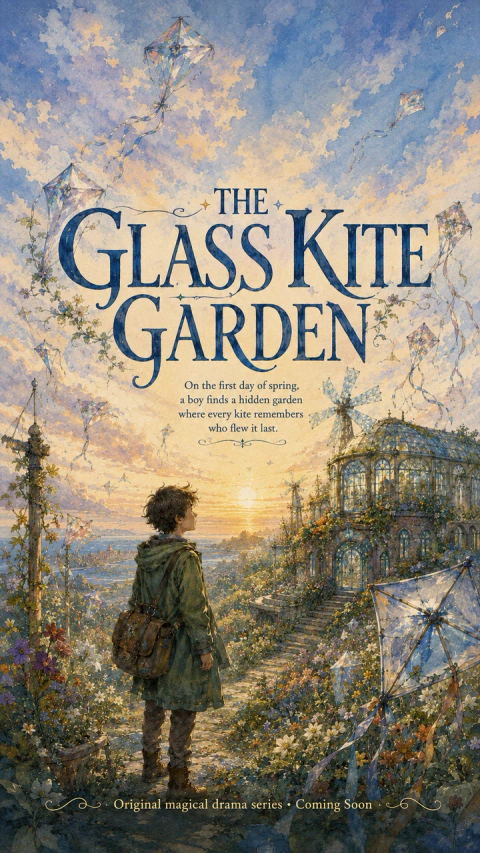
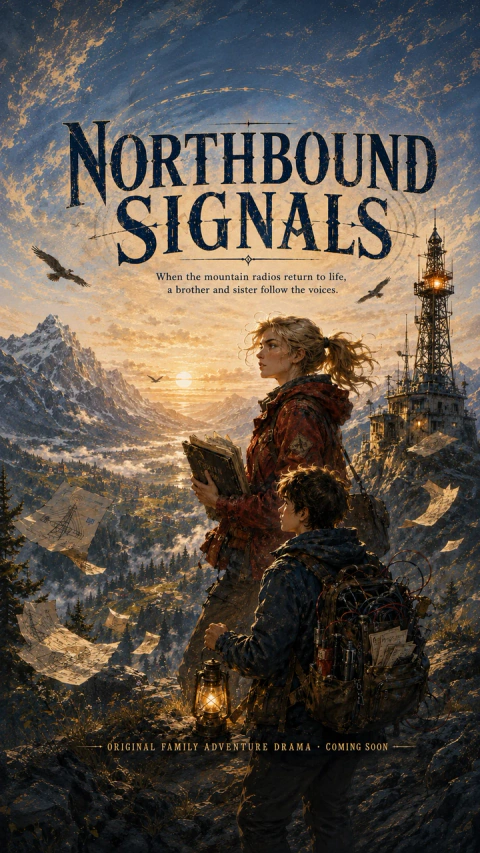
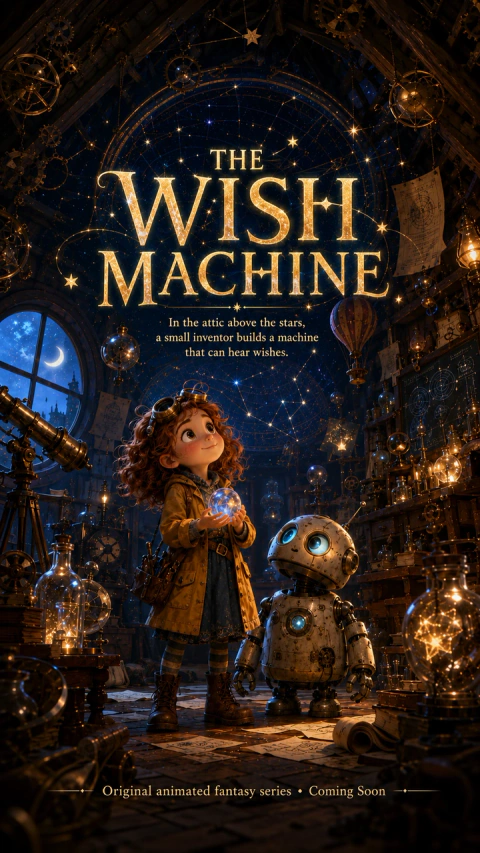
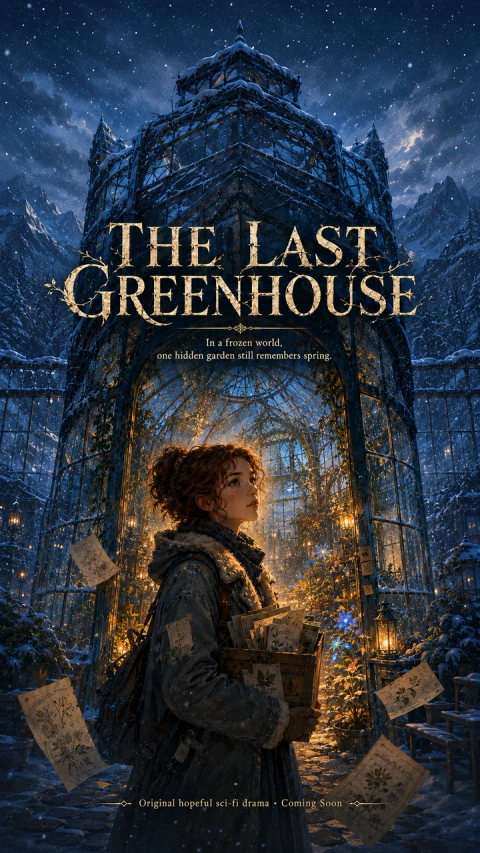
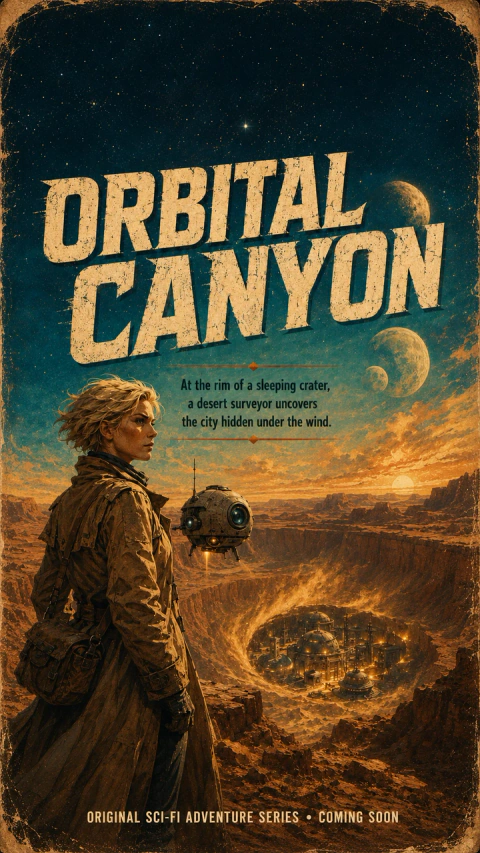
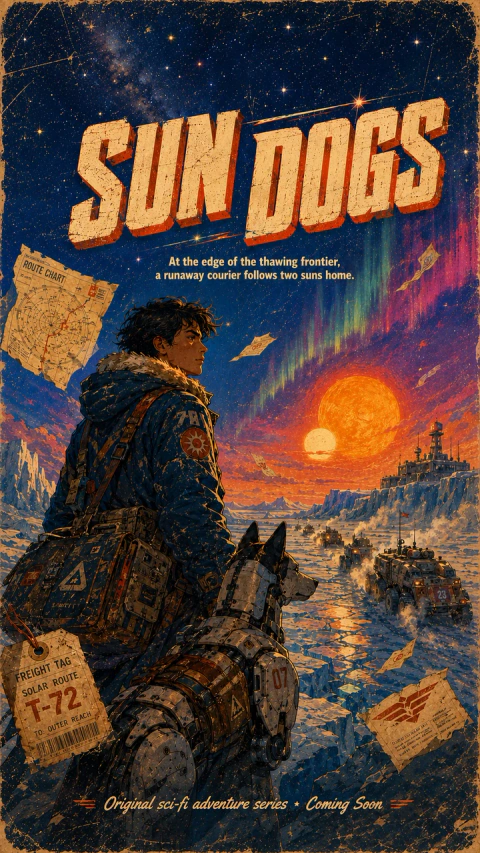
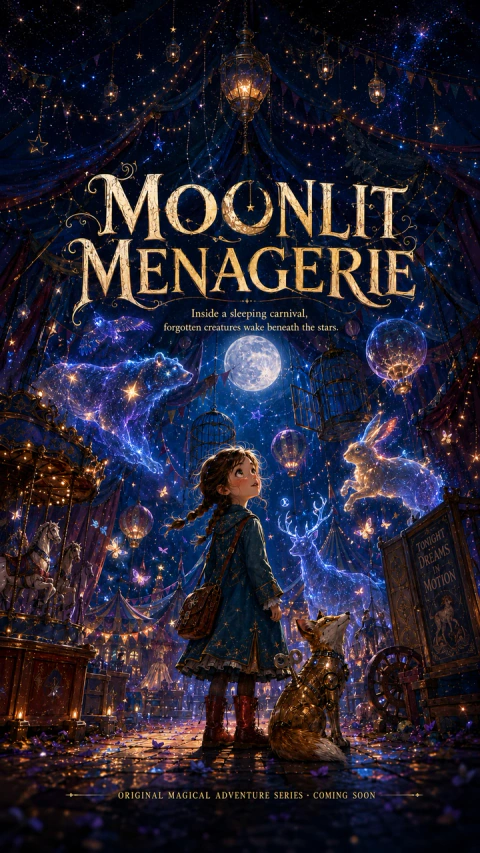
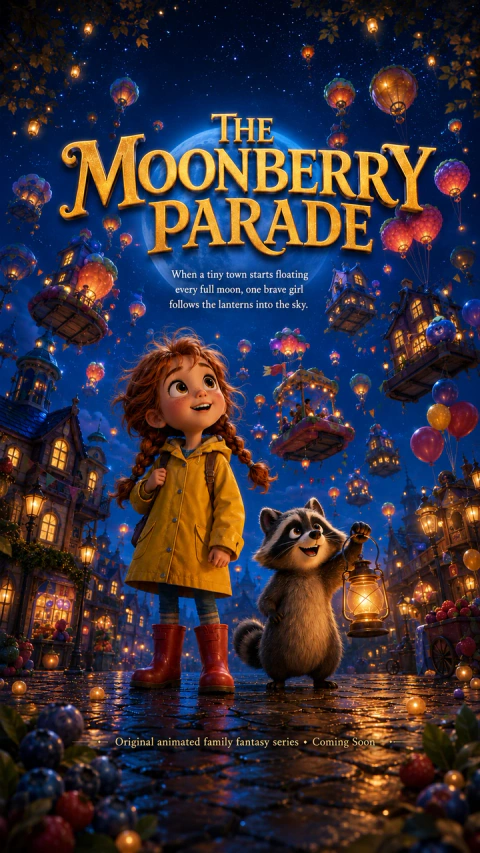
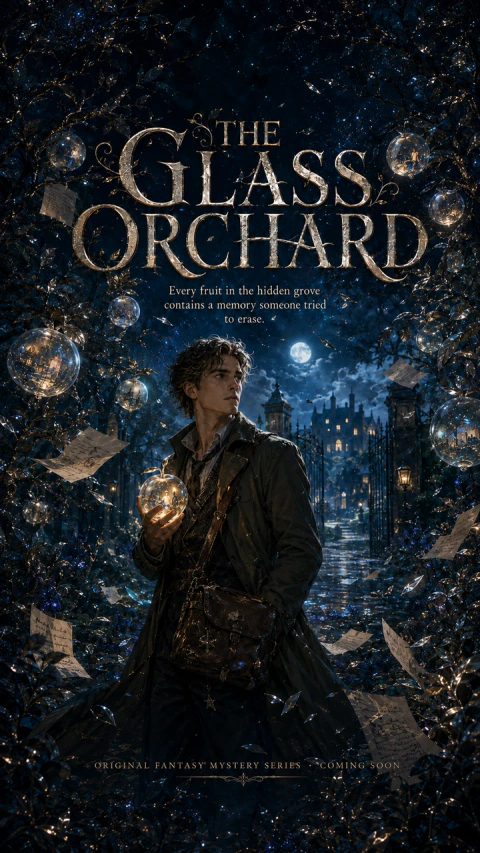
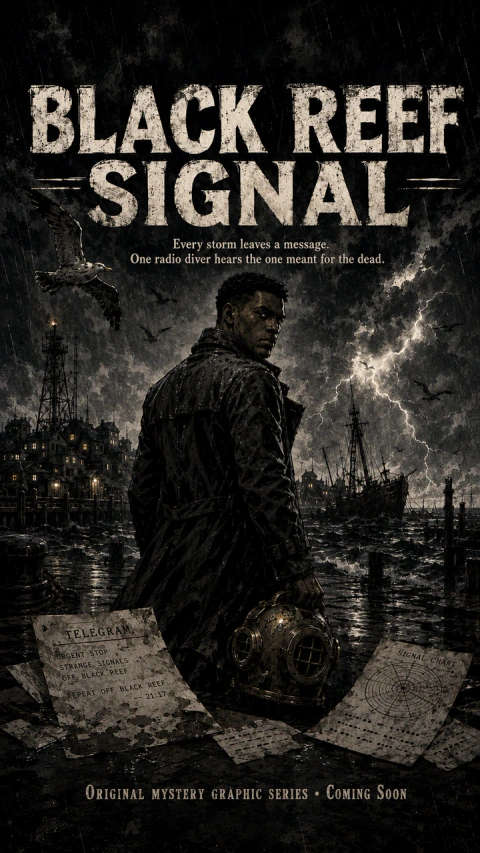
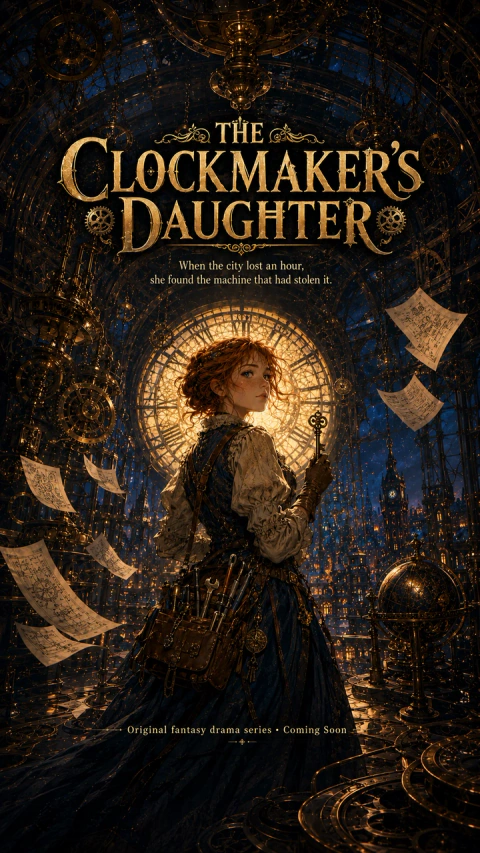
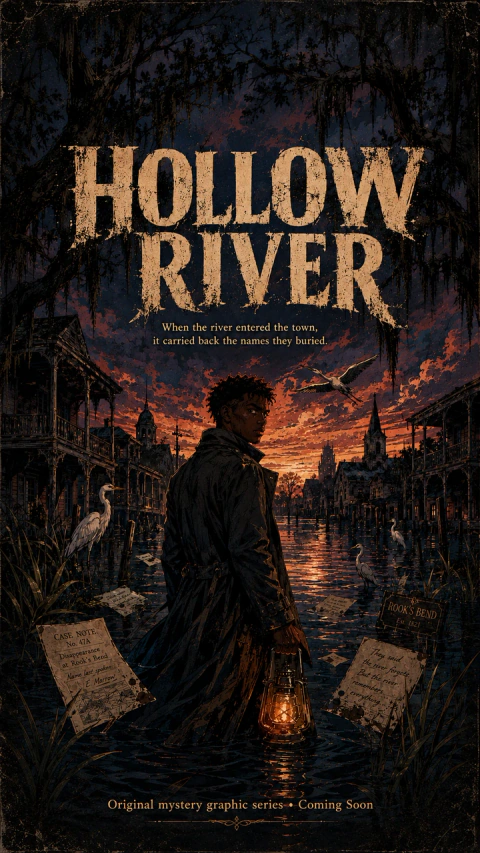
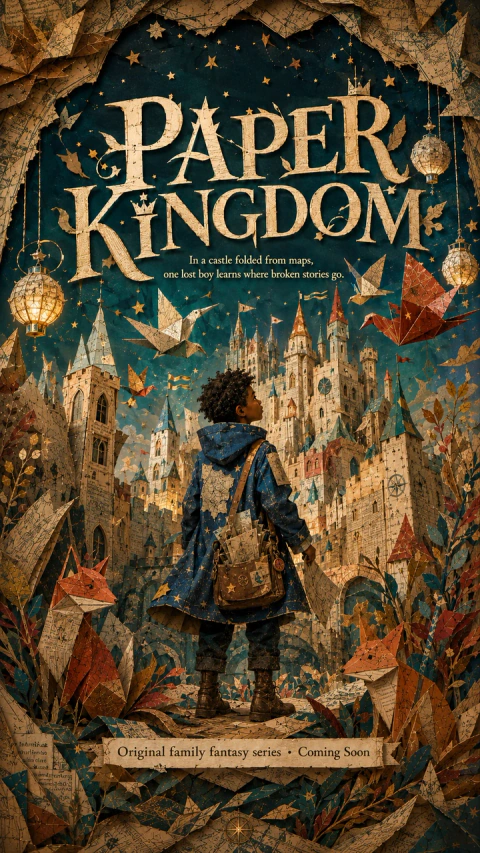
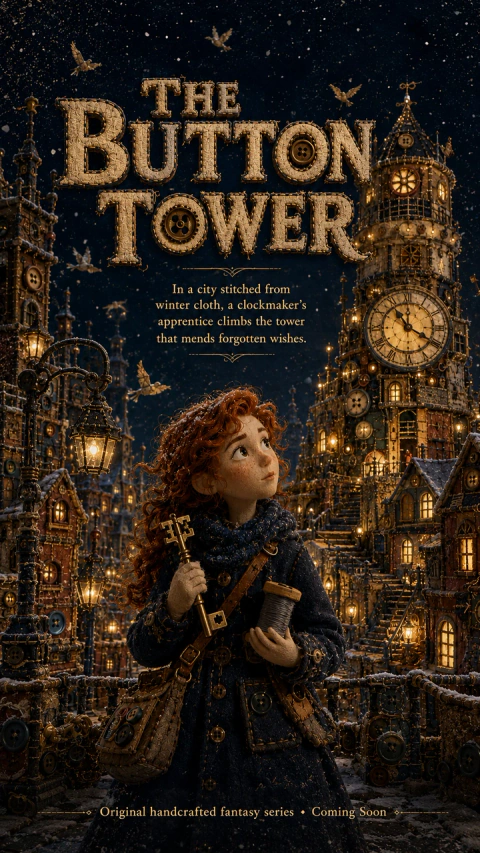
Start with your story
Start Making Your Anime
Begin with the same choices used inside the studio: name your anime project, describe the story you want to tell, choose a 9:16 or 16:9 format, and select a visual style. Your draft stays with you when you create a free account, so you can continue instead of starting over.
Creating a project is free. AI script, image, and video generation uses credits, and the required amount is shown before each generation.
How it works
How to Make Anime with AI in Four Connected Steps
Making anime with AI works best when story decisions stay connected to characters, scenes, and shots. The studio keeps that context inside one project, so each new asset begins with the creative direction you have already established.
Plan the anime story
Start with a premise, genre, audience, and the turning point that makes the episode worth watching. Develop the outline before generating media, then review scene beats, dialogue direction, and pacing. This story-first approach gives every anime image and short video clip a clear narrative purpose instead of producing a collection of unrelated visuals.
Build reusable anime characters and locations
Define each character’s appearance, clothing, personality, and role, then create visual references you can reuse across the project. Save important locations and scene details alongside the cast. Clear profiles help the AI carry the same anime design language from the cover to the storyboard, although every generated result should still be reviewed.
Direct the anime storyboard shot by shot
Turn the episode into editable storyboard shots before spending credits on images or video. Refine shot descriptions, composition, character references, scene context, and prompts where the sequence needs more clarity. You can add, remove, or reorder shots so the anime story reads well before video generation begins.
Generate anime images and shot-level video clips
Choose the output settings that fit each shot, generate the image, compare results, and then create a short video from the selected frame. Keep current assets and generated history organized inside the anime project, download individual files or an episode asset package, and publish only after checking continuity, rights, and visual quality.
Treat these four steps as a review loop, not a one-way automation. Begin with the smallest story that can deliver a clear setup, conflict, and payoff. When a character or location changes, update its saved profile before generating the next group of shots. Review neighboring storyboard frames together to catch missing props, abrupt composition changes, or pacing gaps early. Generate a small set of image options first, keep the strongest frame, and create video only after the shot order feels coherent.
This sequence helps you spend credits on decisions that have already been checked. It also gives solo creators and small story teams a shared project record: writers can refine narrative intent, visual leads can compare references and composition, and publishers can check format, rights, continuity, and file organization before releasing a chapter, trailer, or vertical short.
Keep Every Part of Anime Production Connected
Anime creation tools
The studio combines the planning and generation tools needed to make anime storyboards and shot-level assets, while leaving the important creative decisions visible and editable.

Pricing
Choose a creator plan for anime story planning, image generation, and shot-level video clips.
Credit Packs
One-time credit packs for active subscribers who need more storyboard or video generation capacity before the next renewal.
Create Your Anime is an independent product. Model names shown on this site, including GPT Image 2, Nano Banana 2, Kling, Seedance, HappyHorse, Wan, Qwen, and other third-party AI models, identify available integrations or workflows only. Create Your Anime is not affiliated with, sponsored by, or endorsed by the creators, owners, or providers of those models unless we expressly say otherwise.
FAQ
Questions Before You Make Anime with AI
Start Your Next Anime Project
Make anime with AI by turning one idea into a structured story, reusable characters, editable shots, and generated image and video assets in one connected studio.